Use LocationHQ to edit details about a competitor.
To edit details about a competitor, follow these steps:
- Login to your Alchemer account in LocationHQ.
- Go to Locations > Locations to display the Locations page.
- On the Locations page, hover over the location for which you want to manage competitors. The Refresh icon (circular arrows) and the View Competitor icon (binocular) icons appear.
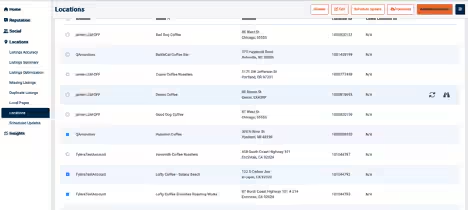
- Select the View Competitor icon to display the Local Competitor Manager page.
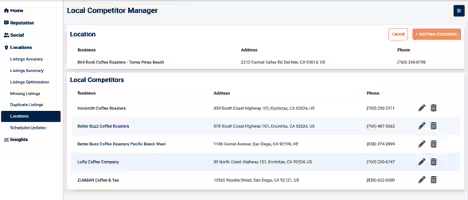
- On the Local Competitor Manager page, find the competitor for which you want to edit listing details and select the Edit icon (pencil) to display the Edit Competitor page.

6. Change the details as needed.
7. When you’re done, select Save Location.
